
Shared Attendance
Give team members and freelancers a fast route to sign in and out on a managed tablet, with each action written back to the connected TeamTrack time record.
TeamTrack TimeCard turns a shared tablet into a connected attendance and visitor terminal. Team members and freelancers can identify themselves through configured face recognition, search, PIN or QR routes, record attendance and working-status changes, while visitors can scan a QR code, return, register or sign out through controlled reception or site workflows.
Available identification methods, attendance actions, visitor steps and photos depend on company configuration, permissions and device capability.
See TeamTrack TimeCard In Action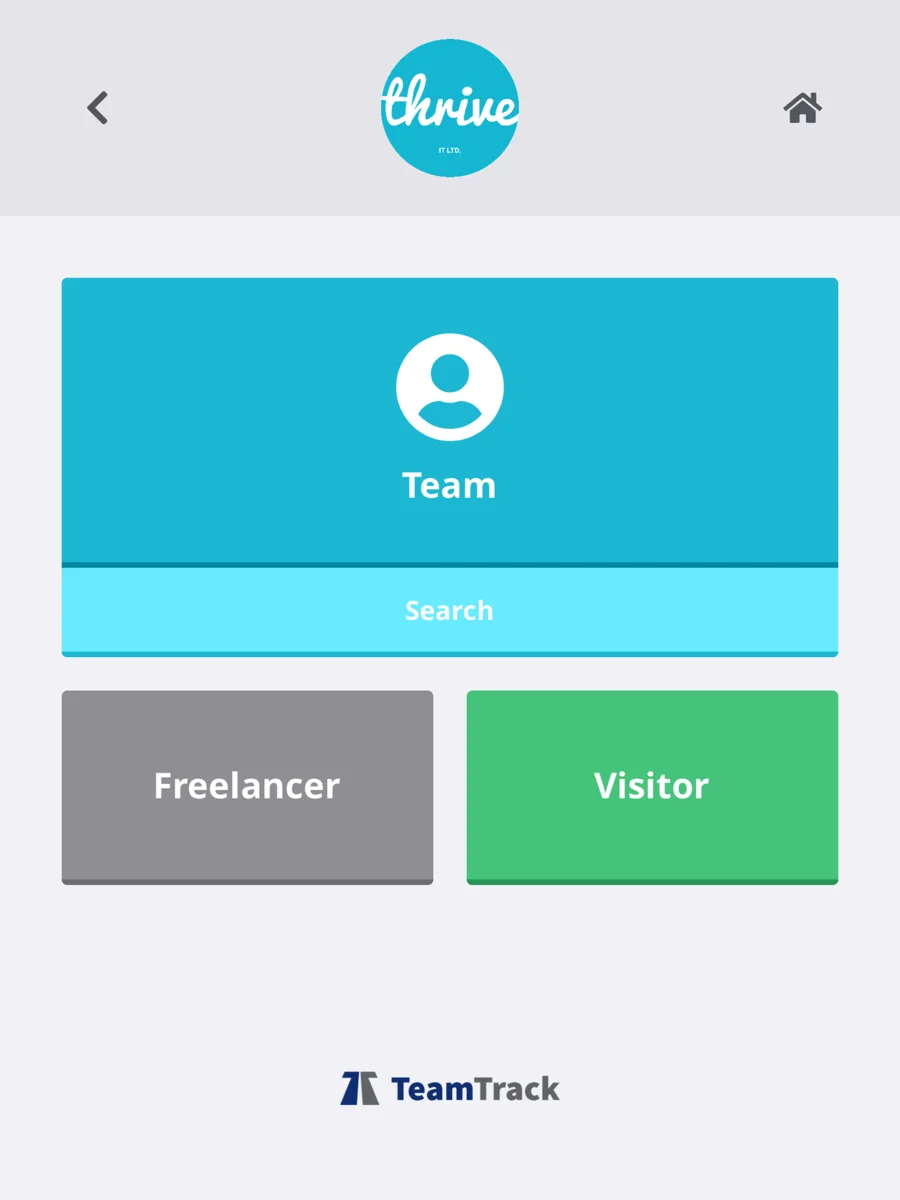
Configure the identification and visitor steps that fit the location, then keep the resulting attendance and visitor records connected to TeamTrack.
Give team members and freelancers a fast route to sign in and out on a managed tablet, with each action written back to the connected TeamTrack time record.
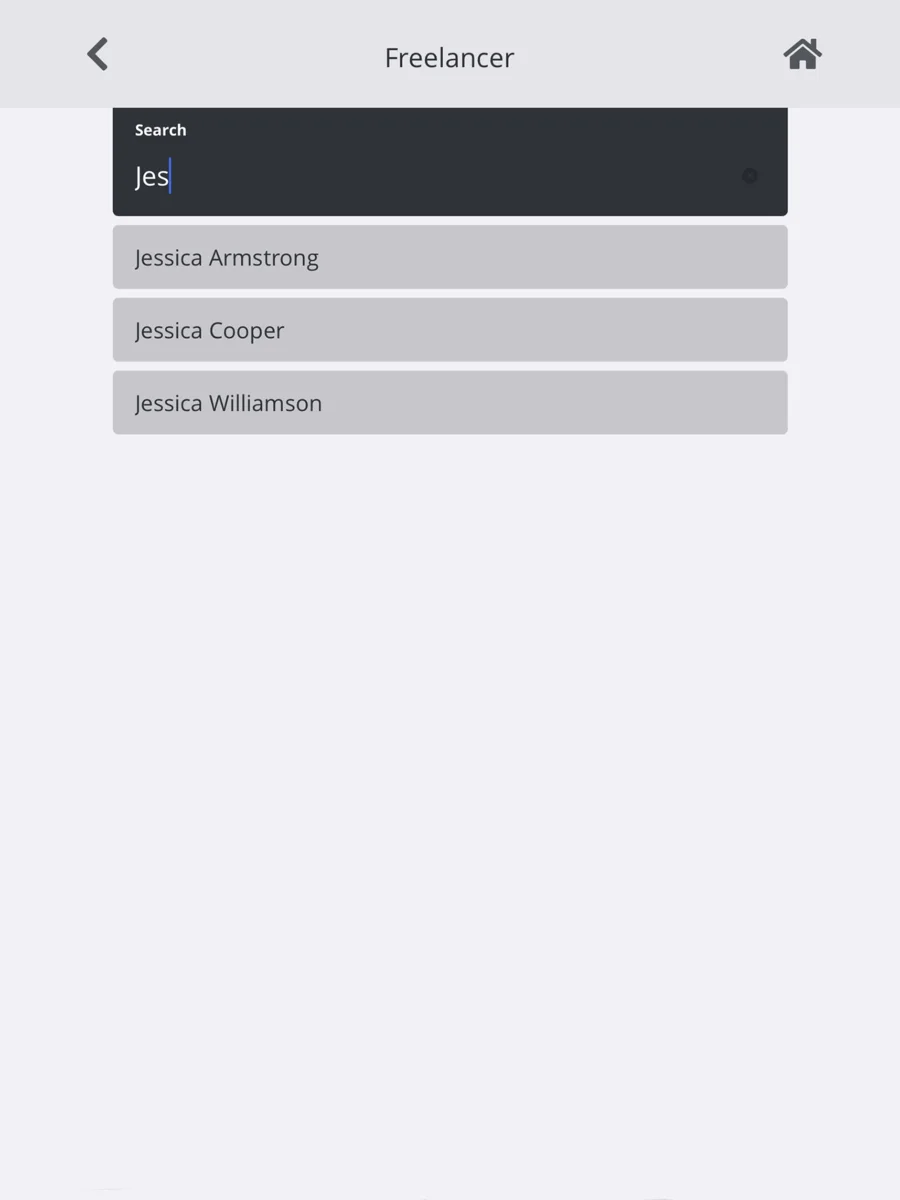
Use configured face recognition, team or freelancer search, PIN entry and QR routes so each site can choose the identification methods appropriate to it.
Allow configured break actions, distinguish staying onsite from leaving, record out-of-office working and capture sign-out detail without a separate paper log.
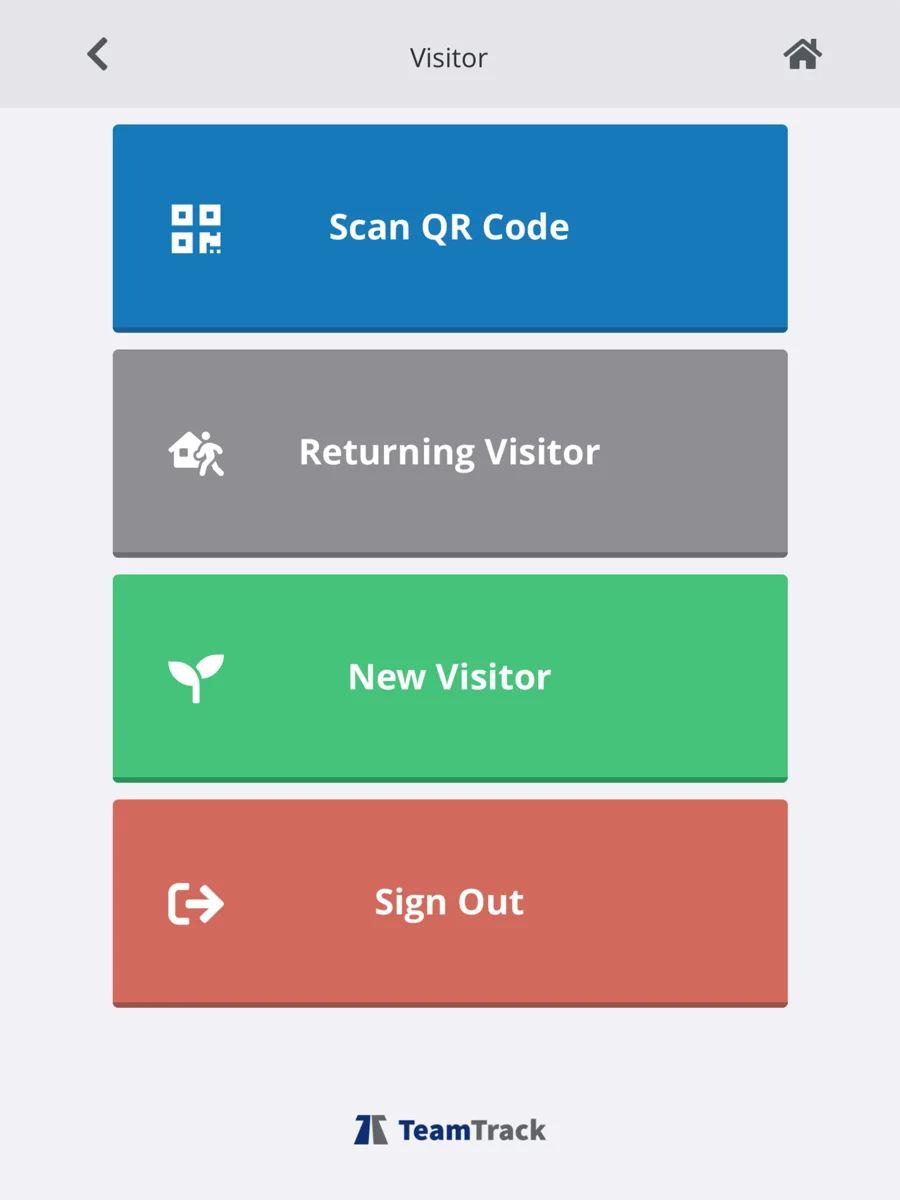
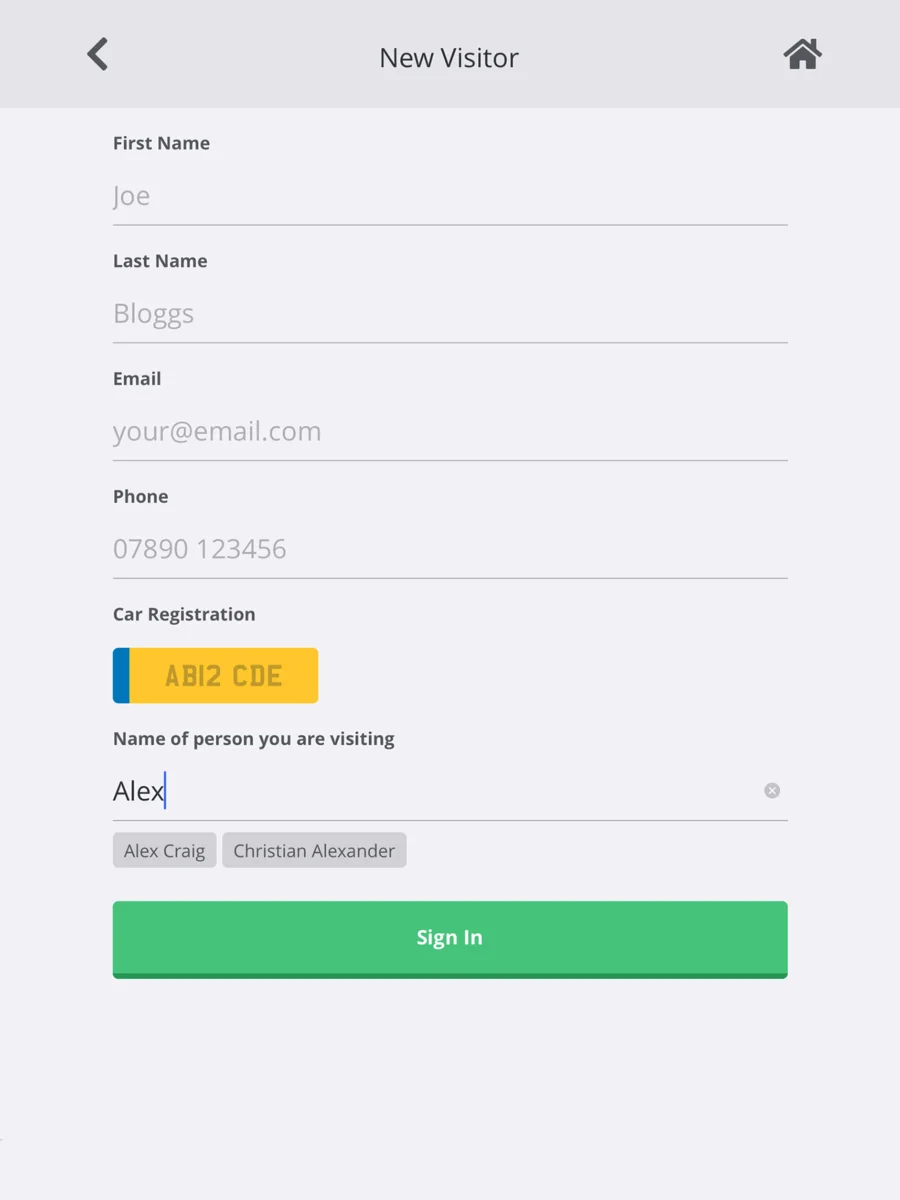
Support new visitors, returning visitors, QR arrivals and sign-out, capturing contact details, car registration and the TeamTrack host being visited.
Present configured freelancer or visitor agreements and policies, record acceptance and a signature where required, and add an optional visitor photo.
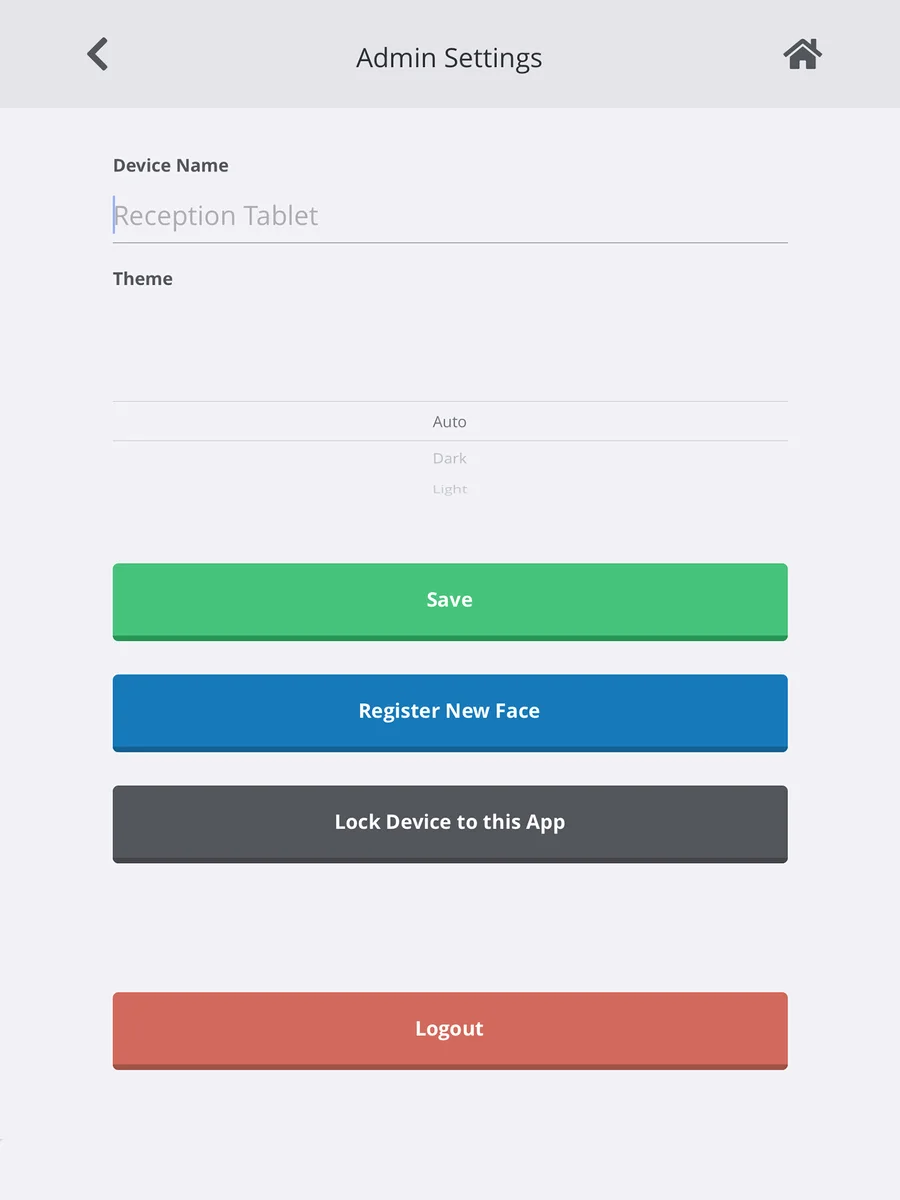
Select the correct company identity and branch, apply identity colours and give each terminal a clear device name for reception, warehouse or site use.
Company settings, administrator controls and device options keep the shared terminal focused on the routes each location needs.
Use administrator PIN access for setup and face registration, then follow built-in iOS Guided Access or Android Screen Pinning guidance to keep the tablet focused on TimeCard.
Administrators can connect with TeamTrack, Microsoft, Google or Apple where configured, then select the correct identity and branch for that terminal.
Name each terminal, use automatic, light or dark display modes, and run a responsive layout designed for both portrait and landscape tablet use.
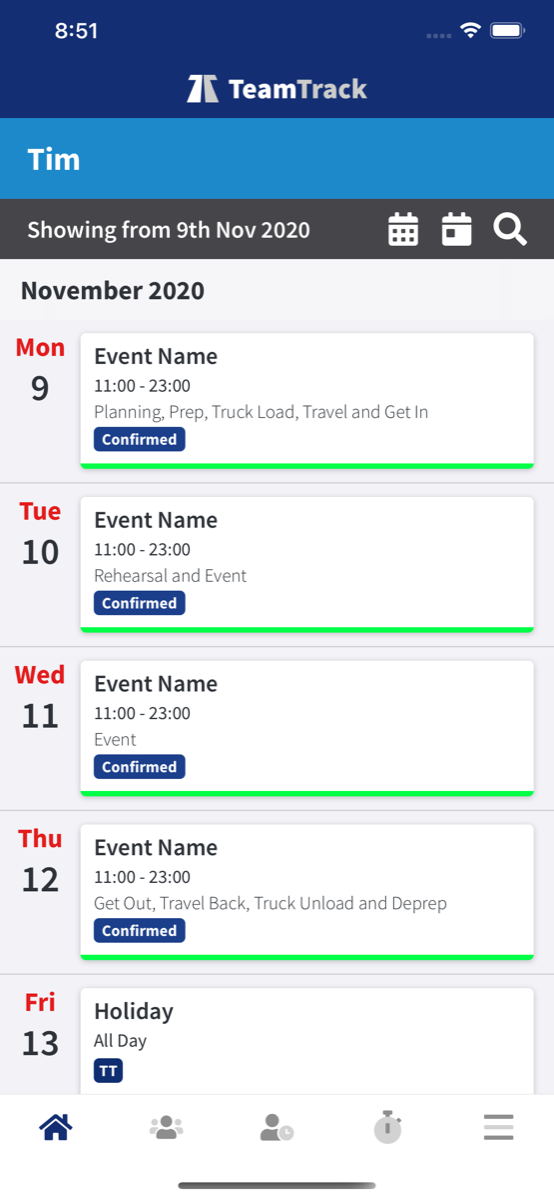
Actions captured in TeamTrack TimeCard connect back to the events, people, time and operational records used by the office team.
Explore The Platform