
Events, Shifts And Operational Detail
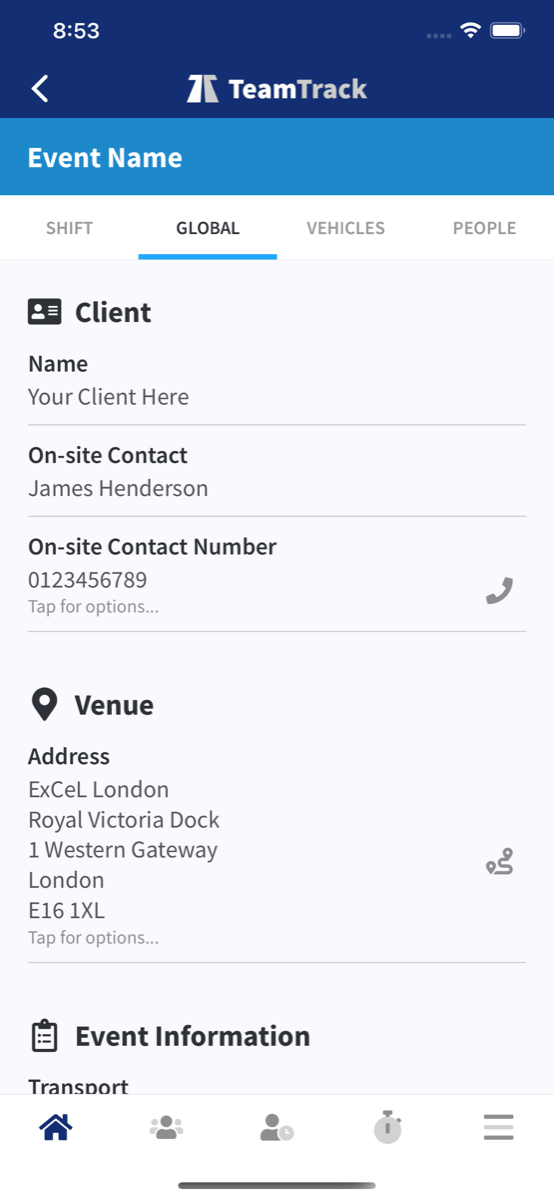
See working times, roles, shift descriptions, event notes, briefings, meeting points and instructions in the context of each event.
The TeamTrack App gives team members and freelancers a role-appropriate mobile view of their work. View events, shifts, venues, contacts, vehicles, travel and accommodation; respond to availability requests and event offers; record time, expenses, mileage and non-working days; and access configured documents, forms and notifications wherever the work happens.
Available screens and actions depend on the user’s role, company configuration, permissions and enabled TeamTrack modules.
See TeamTrack App In Action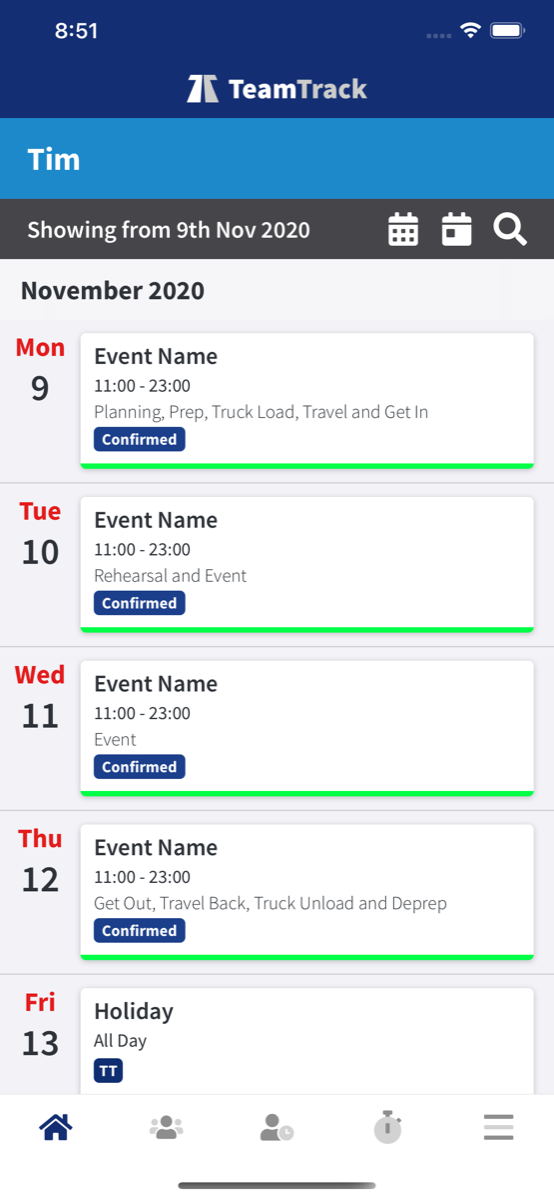
Keep the information and actions people need close to the event, while TeamTrack’s role and company controls decide what each person can see and do.
See working times, roles, shift descriptions, event notes, briefings, meeting points and instructions in the context of each event.
Open venue and onsite contact details, call or message from the app, and launch supported direction services including Maps, Waze, Citymapper, Uber and what3words.
View assigned flights, trains, hotels, booking references and itinerary updates, with 90/180-day Schengen tracking alongside the event and shift they support.
Respond to availability requests and event offers, follow open, accepted and declined states, and review confirmed work and relevant earnings information.
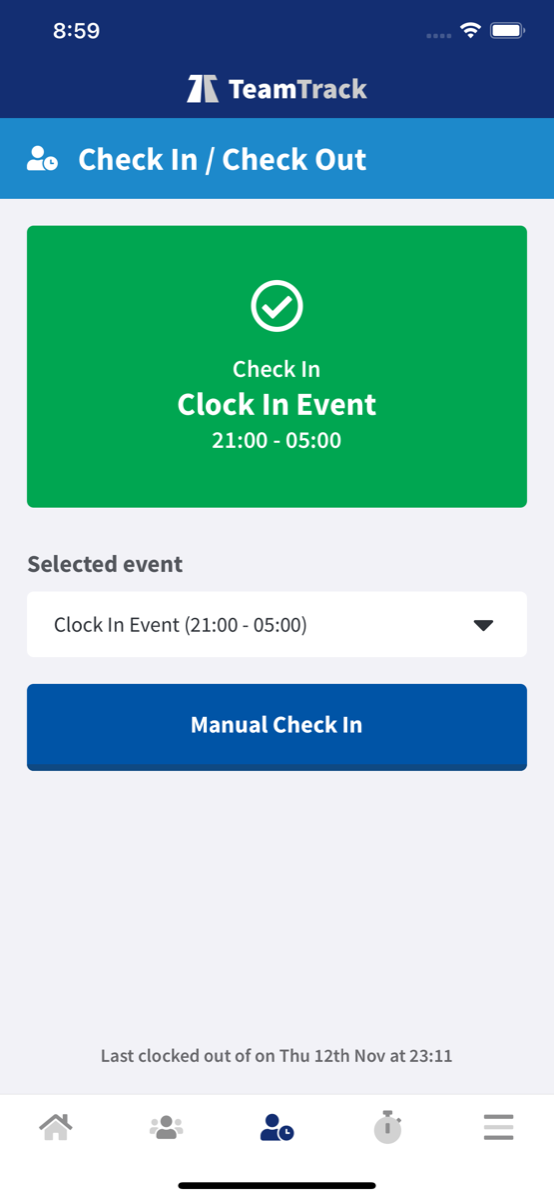
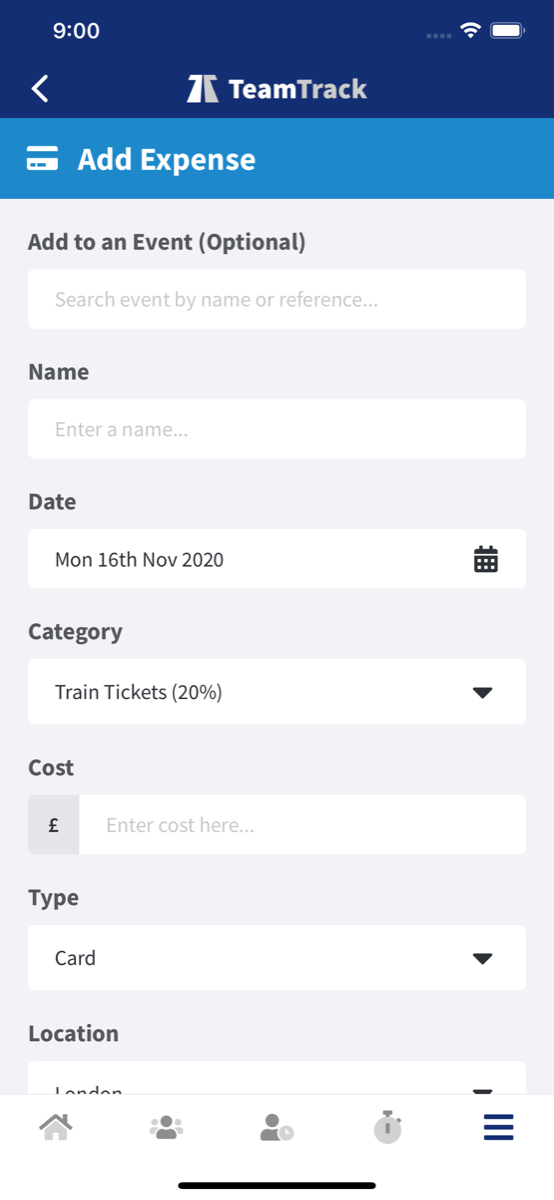
Where company settings and enabled modules allow, record check-ins, project time, expenses and mileage, and submit non-working-day requests without separating them from the live plan.
Receive push updates and open approved files, production information and forms when the related TeamTrack modules are enabled.
The available routes, controls and information adapt to the person signing in and the way their company has configured TeamTrack.
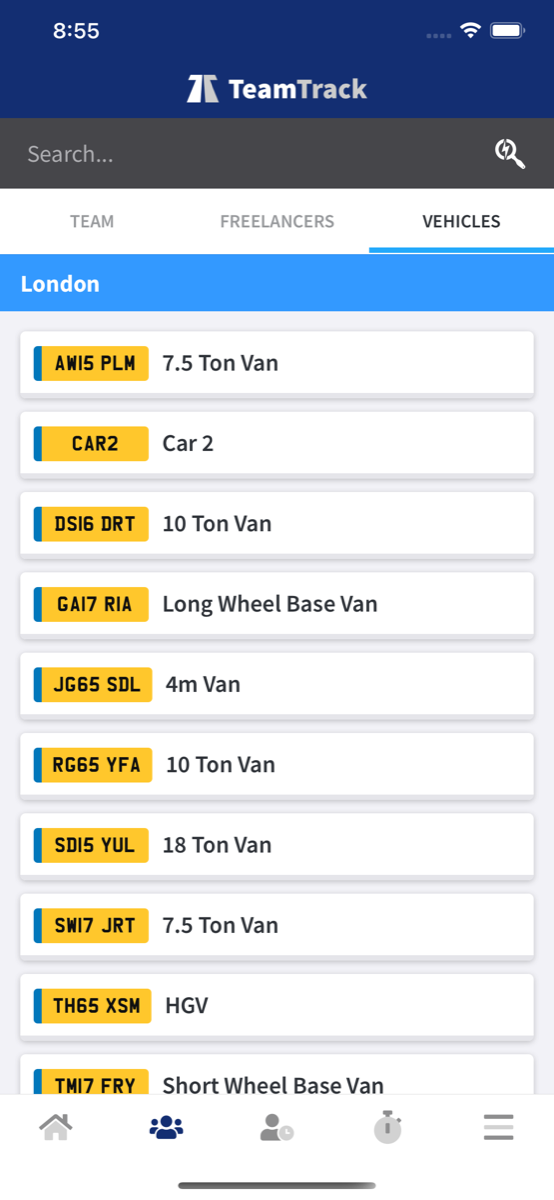
Team members, freelancers and casual workers see the routes and information appropriate to their role, while company controls determine which wider people and vehicle information is available.
Sign in with TeamTrack, Microsoft, Google or Apple where configured, then use supported PIN or biometric access for a faster return to the app.
Use configurable bottom navigation, light or dark display modes, and English, Spanish or Portuguese language options.
Actions captured in TeamTrack App connect back to the events, people, time and operational records used by the office team.
Explore The Platform